

Most Shopify stores do not fail because of the theme. They fail because nobody trusts the product photos, nobody gets a follow-up email, and nobody sees a single review before checkout. The right Shopify apps for ecommerce close those gaps, not by adding features but by removing reasons to leave.
This guide covers five apps worth installing, what each actually costs as of July 2026, and where each one gets annoying. Not a list of forty. Five, with reasons.
Table of Contents
What a good Shopify app stack actually does
Think about the last thing you bought online. You looked at the product, you scrolled to the reviews, and if you did not buy, something followed you. That is the entire job.
Every app below does one of three things. It makes the product look worth paying for, it keeps the conversation going after the visitor leaves, or it shows that other people already took the risk. Loyalty widgets, currency converters and spin-to-win wheels are fine, but they do not move much at 200 visitors a day.
If you are still deciding where to host the store, our comparison of ecommerce website builders covers the platform question first. Apps come after that decision, not before it.
How these Shopify apps were picked
Four filters, applied to every app for a Shopify store on this list. Each has a free or genuinely cheap entry tier, because a store doing modest monthly revenue cannot carry $200 in software. Each has enough App Store history to judge properly. Each solves one job well instead of bundling twelve half-features. And each is light enough that it will not add two seconds to your product page.
Pricing was checked in July 2026. Any Shopify ecommerce app can change its plans quietly, so confirm on the listing before you install.
The 5 best apps for Shopify ecommerce at a glance
| App | The job it does | Free plan? | Paid from | App Store rating |
| Klaviyo | Email + SMS built on live store data | Yes (250 contacts) | ~$20/mo, scales with list size | 4.5 / 5 |
| Mockey AI | Product mockups, AI photoshoot, video ads | Yes (10,000+ templates) | $9.99/mo (Pro), $19/mo (Max) | New listing, few reviews |
| Judge.me | Product reviews and star ratings | Yes (unlimited reviews) | $15/mo (Awesome) | 5.0 / 5 |
| PageFly | Landing and product page builder | Yes (1 page slot) | $24/mo (Pay As You Go) | 4.9 / 5 |
| Tidio | Live chat plus an AI support agent | Yes (limited) | ~$29/mo + AI add-on | 4.5 / 5 (multi-source) |
1. Klaviyo: email and SMS that runs on live store data
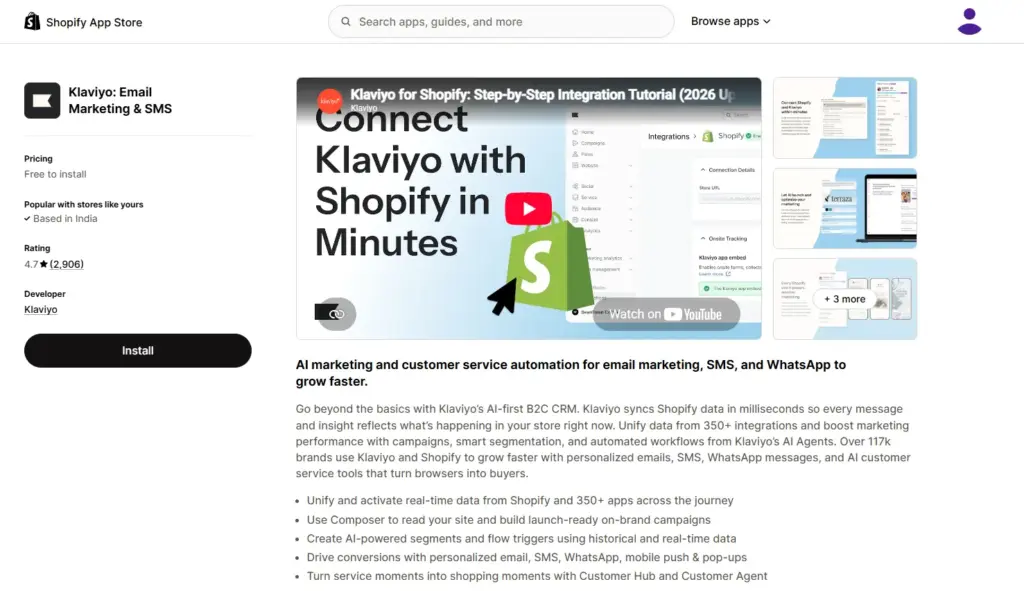
Klaviyo is the default email and SMS app for Shopify, and it earns that by pulling store data in near real time: orders, refunds, browsing behaviour, predicted lifetime value. An abandoned-cart flow fires off the real cart, not a nightly import.
The free plan covers up to 250 contacts and 500 email sends a month, which is enough to prove your flows work and not much more.
Watch the cost. Klaviyo prices on active profiles, so the bill climbs as your list grows, and that is by far the loudest complaint in reviews. It sits around 4.5 out of 5 on the Shopify App Store across roughly 2,500 reviews, while Trustpilot hovers near 1.8. Almost all of that gap is billing, not the product itself.
Install it early regardless. Three flows, welcome plus abandoned cart plus post-purchase, usually pay for the app before you have finished reading the documentation.
2. Mockey AI: product mockups, AI photoshoots and video ads
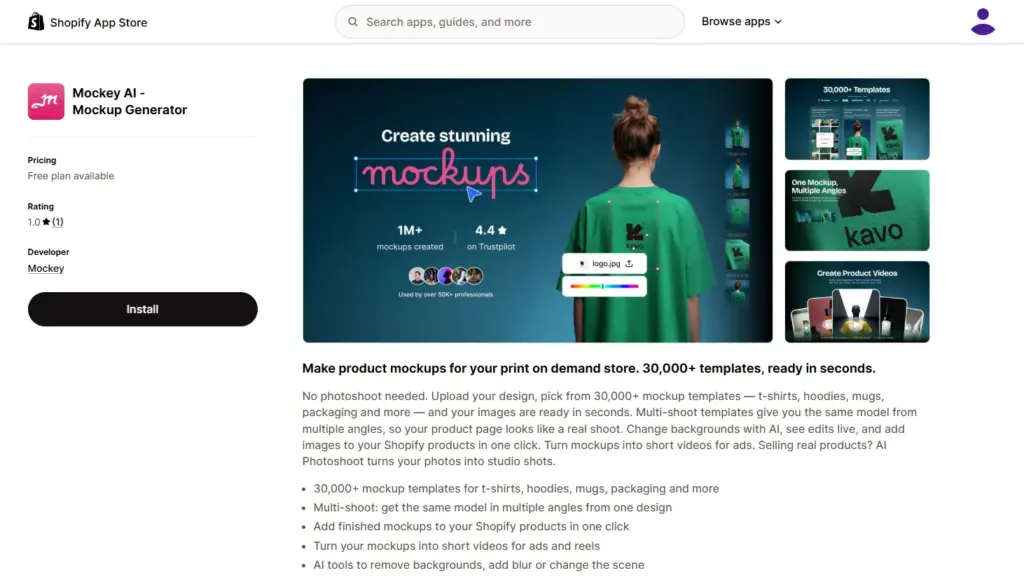
Product photography is the bottleneck nobody budgets for. You have the design and the supplier, then you are stuck paying for a shoot or couriering samples to a model. Mockey AI removes that step. Upload a design, pick a template from the library, which covers t-shirts, hoodies, mugs, packaging, phone cases and posters, and you have store-ready images in seconds. The Shopify app pushes finished mockups onto your product listings in one click, so there is no downloading and re-uploading.
Three things lift it above a plain mockup generator:
- Multi-shoot templates give you the same model from several angles off one design, so a product page reads like a real photoshoot instead of one flat render.
- AI Photoshoot turns a phone photo of a physical product into a studio shot. That matters if you sell real inventory and not only printed designs.
- Video mockups convert a static design into a short clip, which is the format Reels and TikTok ads actually want.
Pricing inside the Shopify app as of July 2026: a free tier with 10,000+ templates and JPG downloads; Pro at $9.99 a month for the full 30,000+ library, HD PNG exports, unlimited downloads and a commercial licence; and Max at $19 a month, which is where the monthly AI credits, multi-shoot, video mockups and AI Photoshoot live. Mockey also lists a lifetime plan at $199 on its own pricing page.
One honest caveat. The Shopify listing launched in 2025 and has very little review history yet, so test it on the free tier before you commit to a paid plan.
If visuals are the main gap in your workflow, our roundup of print on demand tools puts it side by side with the other options.
3. Judge.me: product reviews without the paywall
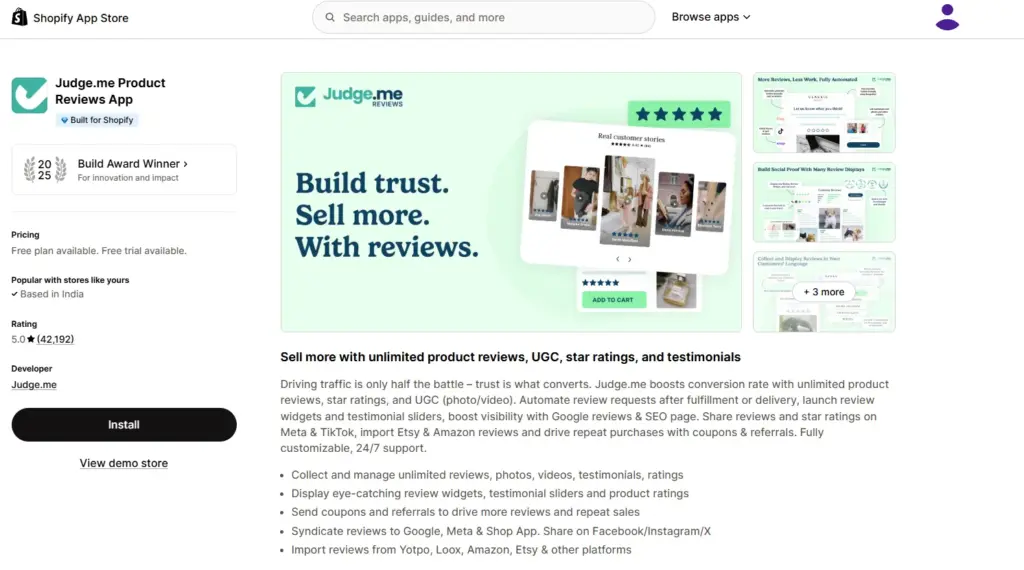
Shopify retired its native reviews app in 2024, which left a hole most new stores do not notice until the conversion rate tells them.
Judge.me fills it, and its free plan is the reason it belongs on this list: unlimited review requests, photo and video reviews, Google rich snippets, carousel widgets. Competitors gate all of that behind $19 to $49 a month. The trade is a small “Powered by Judge.me” badge on your widgets.
The Awesome plan runs $15 a month and adds AI-drafted review replies, sixteen widget types, coupons and referrals, and syncing to Google Shopping, Meta and TikTok Shop.
It is the most-reviewed app on the entire Shopify App Store, sitting above 40,000 reviews at a 5.0 average. Small setup tip: trigger review requests after delivery rather than after fulfilment. Response rates roughly double.
4. PageFly: landing pages without a developer
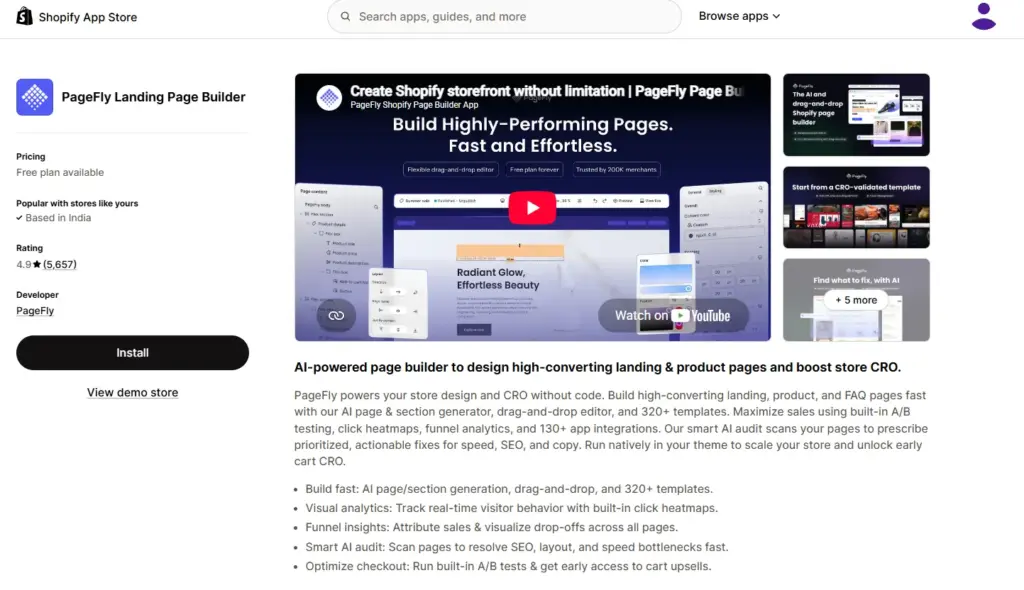
Themes are built for browsing. Landing pages are built for one product and one decision, and that difference shows up in your conversion rate the moment you start running paid traffic.
PageFly is a drag-and-drop builder for exactly that, covering product pages, landing pages and collection pages, with A/B testing on the paid tiers. It carries the Built for Shopify badge, holds 4.9 across more than 5,700 reviews, and is used by over 200,000 merchants. The free plan gives you one published page slot. Enough to test the builder, tight enough that you will upgrade fast. Pay As You Go starts at $24 a month and unlocks ten slots; Unlimited is $99 a month.
A caution: page builders add weight. Compress images before uploading, keep the first section simple, and test on mobile data rather than office wifi.
5. Tidio: live chat with an AI agent behind it
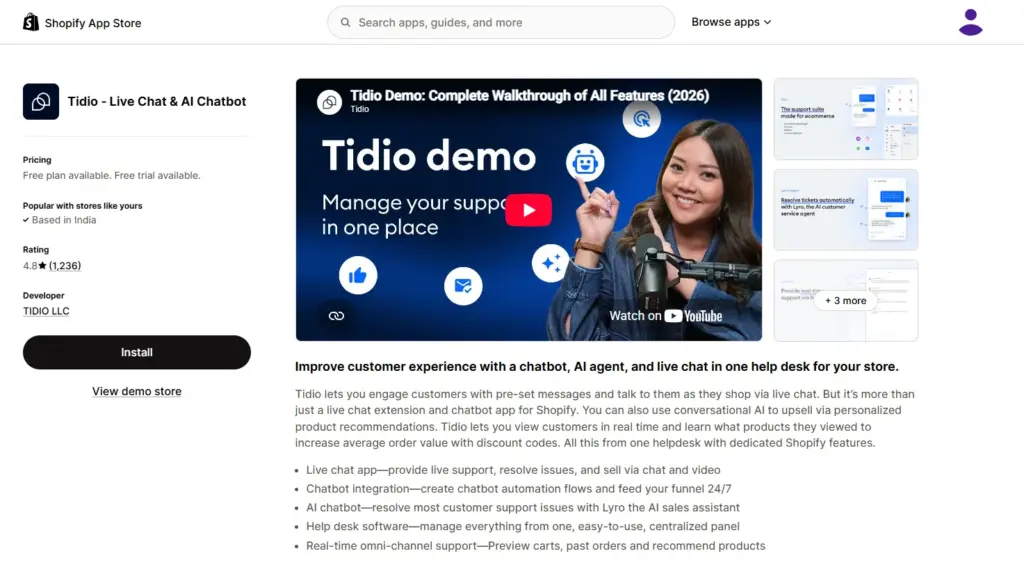
Pre-purchase questions are where small stores lose sales quietly. Sizing, delivery time, whether the print survives a wash. Nobody emails to ask. They just leave.
Tidio bundles live chat, chatbot flows and Lyro, its AI agent, into one inbox that also pulls in Instagram, Messenger and WhatsApp. Setup takes about twenty minutes, and the Shopify integration lets the AI answer order-status and product questions directly.
There is a free plan, and paid plans start around $29 a month, with Lyro billed separately as an AI add-on. Read that structure carefully. Tidio automatically bumps you to a higher tier when you hit 95% of your conversation quota and does not automatically move you back down, which has caught merchants out after a seasonal spike. Set a reminder to check your plan after a big sale.
How many apps should a Shopify store install?
Fewer than you want to. Every app injects scripts, scripts cost milliseconds, and milliseconds cost conversions. Five to eight well-chosen apps will outperform twenty overlapping ones.
A practical rule: one app per job, and no job gets an app until you have felt the pain of not having it. You do not need a loyalty program before your hundredth order.
Audit quarterly. For each app, ask whether you would install it again today at full price. Uninstall the rest, then check your theme for leftover code, because uninstalling does not always strip the snippets.
App discipline is only half the work. The rest is traffic and merchandising, which the guide on how to increase ecommerce sales covers in detail.
Pick three, not thirty
The five Shopify apps for ecommerce above cover what actually decides whether a visitor buys: how the product looks, whether anyone vouches for it, whether the page is built to sell, whether questions get answered, and whether you can bring people back. Install them one at a time and measure after each. If Shopify’s monthly fee plus an app stack is more than your store can carry right now, Blinkstore lets you launch a print-on-demand store for free, with the storefront, catalogue, printing and shipping handled and no inventory to buy. Set up your free store and put the savings into ads instead.
FAQs about Shopify apps for ecommerce
Which Shopify apps for ecommerce are free?
Judge.me, Mockey AI, Klaviyo, PageFly and Tidio all have free tiers, but they are not equal. Judge.me’s free plan is genuinely usable long term. Klaviyo caps at 250 contacts and 500 sends a month, and PageFly at a single published page. For most apps, free is a trial. Judge.me is the exception.
Do Shopify apps slow down your store?
Most add JavaScript to your storefront, so yes. The effect is cumulative rather than dramatic: one app rarely matters, ten do. Run PageSpeed Insights before and after each install, and remove anything that costs more than it earns.
What are the must-have Shopify apps for a new ecommerce store?
Start with three jobs: reviews, email and product visuals. That means Judge.me, Klaviyo and Mockey AI. Add a page builder once you start spending on ads, and a support app when the same question arrives for the fifth time.
Can I use a Shopify ecommerce app on another platform?
Apps installed from the Shopify App Store only run on Shopify. Several of the underlying tools, including Mockey AI, Klaviyo and Judge.me, also work as standalone web tools or through other integrations, so you are not fully locked in. If you are weighing a move, we compare the main Shopify alternatives in India separately.
How much should a Shopify app stack cost per month?
A new store can run a solid stack for roughly $0 to $35 a month. Past a few hundred orders, budget $100 to $250, mostly because Klaviyo scales with your list and you outgrow the free tiers.
