
An AI photoshoot tool turns a plain product photo into a studio-style image without a camera, a model or a studio hire. I checked 10 of them in September 2026. Mockey AI, Photoroom and Pixelcut give small sellers the cheapest usable entry point — and two tools that still top most “best of” lists, Booth.ai and Stylized.ai, are now parked domains.
Product photography is the most expensive part of a listing that nobody pays you for. A half-day studio booking, a model, a stylist and a retoucher will clear ₹25,000 before you have sold a single unit — and if you run print-on-demand, you may not even hold the stock to photograph.
That is the gap every AI photoshoot tool is selling into. Upload one flat photo, or a design, and get back something that looks like it was shot on a set. Some of them are very good at it now. Some are background removers with a marketing budget. This is where each one actually lands.
Table of Contents
How I checked these AI photoshoot tools
Being straight about the method, because most lists in this category are not:
- Every price here was read off the tool’s own live pricing page between 21 and 23 September 2026, loaded from India. Where a tool regionalises its pricing, you get the rupee figure it actually shows Indian buyers. Where it does not, you get the dollar figure.
- I checked what the free plan really gives you — downloads per day, watermark, resolution and, most importantly, whether the licence covers commercial use. Several “free” tiers do not.
- I checked that each product still exists. Two widely recommended tools did not survive that check.
- What this is not: a blind image-quality shoot-out. Where I describe output, I am describing what the tool is built to produce and what its plan limits allow, not scoring 400 generated images against each other. Pricing in this category changes monthly, so treat the date above as the expiry label.
- Disclosure: I work on the growth team at Mockey AI, which is first on this list. I have held its entry to the same checks as every other tool, including the parts of its free plan that will annoy you.
The 10 best AI photoshoot tools in 2026
1. Mockey AI — best for apparel and print-on-demand sellers
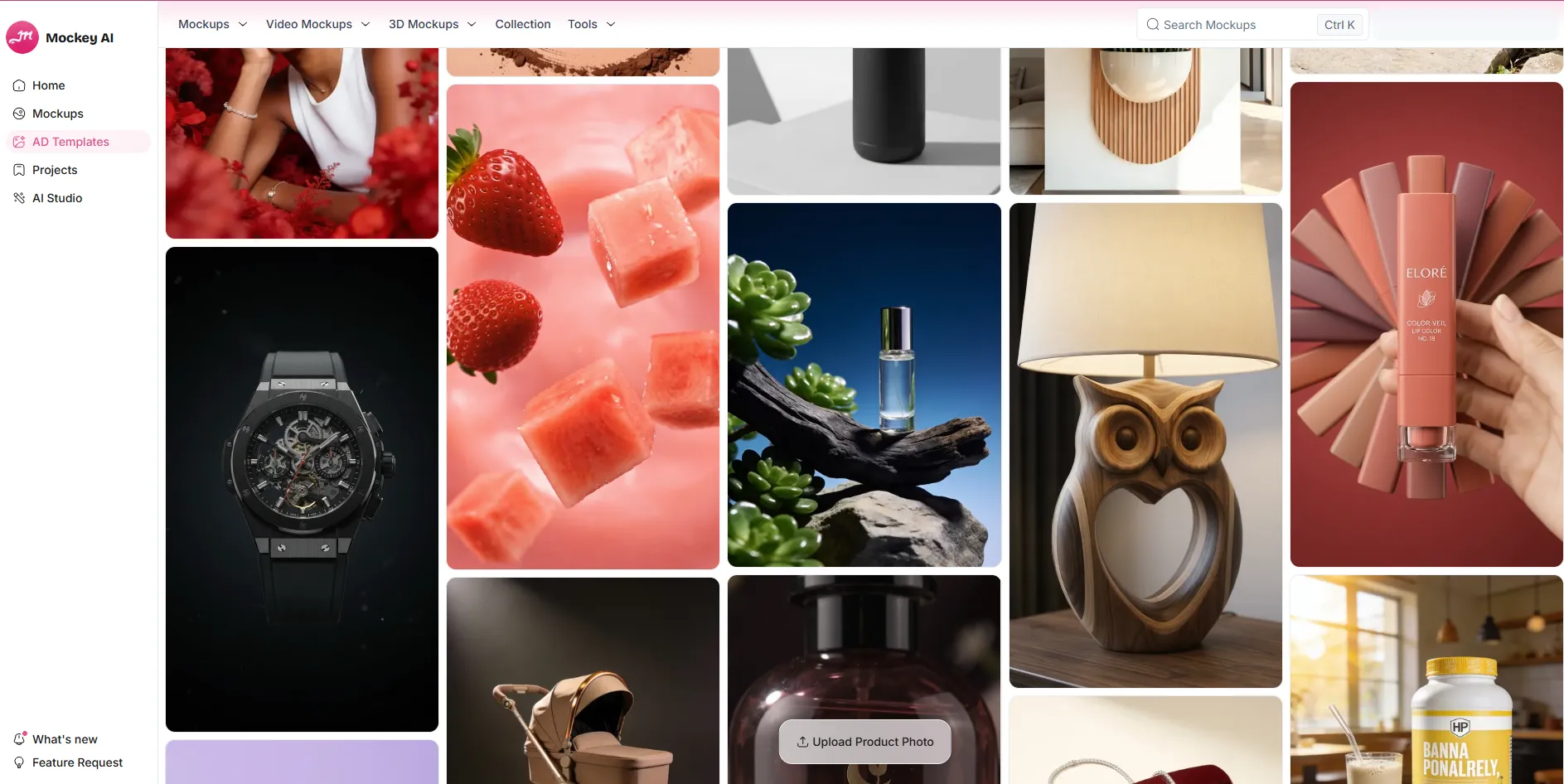
Mockey’s AI Photoshoot is built around one job: take a single product shot and place it in a scene that looks deliberate. You pick a scene direction — E-commerce, Minimal, Lifestyle, Luxury, Creative or a custom prompt — and it generates from there.
It is the most obvious fit on this list if you sell printed apparel, because the photoshoot tool sits next to a mockup library rather than replacing it. You can go from design to mockup to a styled scene in one place.
What it costs: the free plan gives you 1,000+ mockups, JPG output and three downloads a day — but it is personal use only, which means you cannot legally put the output on a listing. Commercial use starts on Starter at $4.10/month billed yearly ($49/year), which adds PNG, unlimited downloads and 600 AI credits a year. Creator is $12.40/month billed yearly ($149/year) with 1,800 credits. There is also a one-time Forever plan at $199 with 1,000 credits.
The catch worth knowing: AI Photoshoot costs 2 credits per generation, and Mockey’s credits are allocated per year, not per month. Starter’s 600 credits is 300 photoshoot generations for the whole year. If you are shooting a catalogue every month, Photoroom’s monthly allowance will go further.
2. Photoroom — best all-rounder, and the best rupee pricing
Photoroom is the most complete tool here for anyone running a real catalogue, and it is one of the few that prices properly for India rather than converting dollars at checkout.
The two features that matter for merch sellers are AI Backgrounds and AI Fashion Models — the second puts your garment on a generated model, which is the single most expensive shot to produce conventionally.
What it costs (India): Pro is ₹299/month, or ₹167/month billed yearly, with 3,000 AI credits and 1,000 exports per month. Max is ₹779 / ₹334 with 7,000 credits, 3,000 exports, the Video Generator and Shopify integration. Ultra is ₹8,590 / ₹7,159 with 75,000 credits, 10,000 exports and 4K output.
In practical terms: Pro’s credit allowance is up to 1,600 AI Fashion Model generations at 1K a month. That is more model shots than a small brand will ever need, for less than the price of two coffees. 2K and 4K fashion models are gated to Max and Ultra.
3. Pixelcut — best genuinely free AI photoshoot on a phone
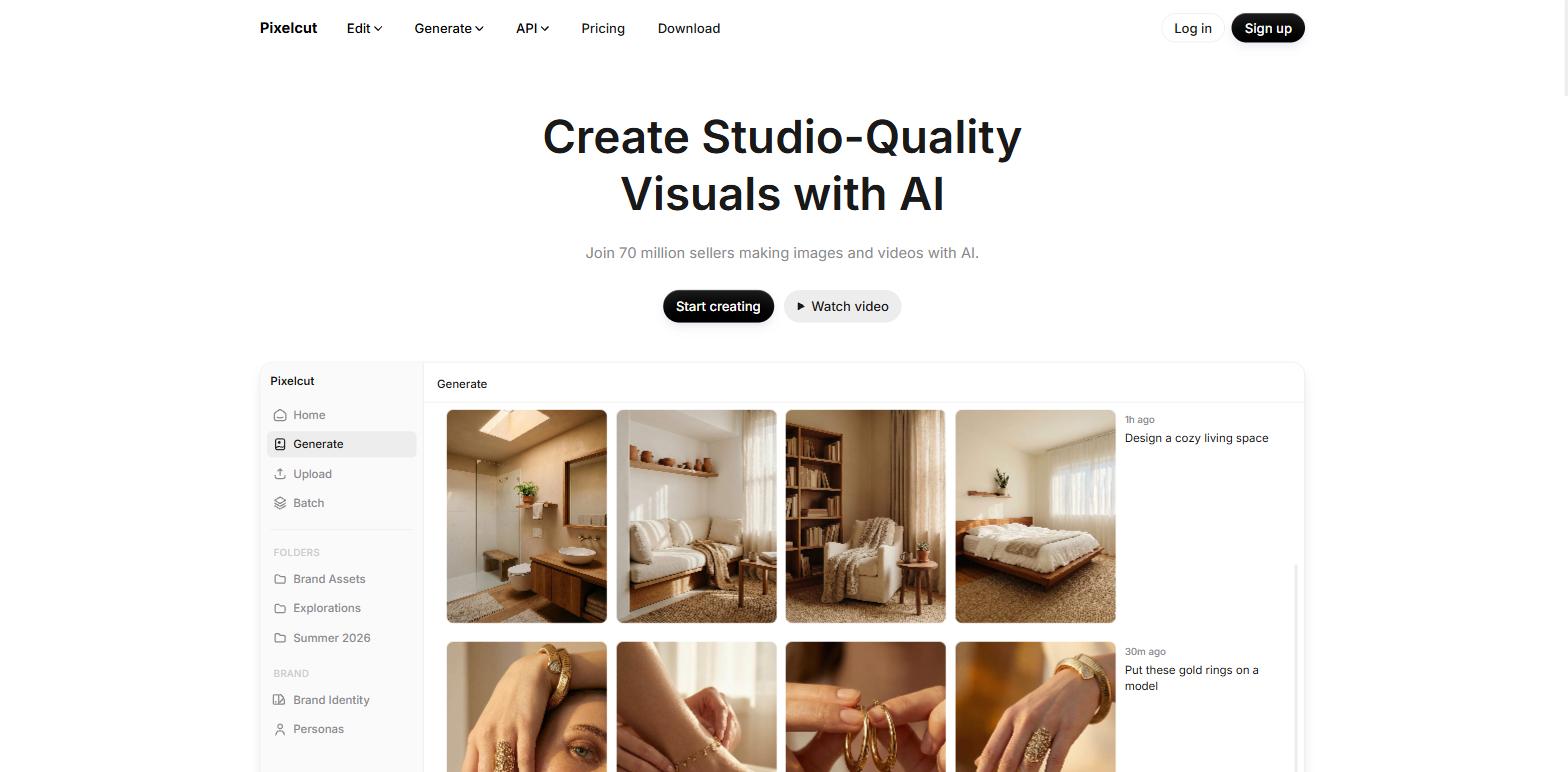
Pixelcut is the answer when someone asks for a photoshoot online free and means it. It has a real free tier, it works properly on mobile, and its AI Product Photography feature does the core job — product in, styled scene out.
It is the tool I would hand to someone selling their first 20 units from a phone, because there is nothing to learn. The trade-off is control: you get fewer levers than Flair or Photoroom, and batch work is not its strength.
What it costs: free tier available. Pro is $8/month billed yearly, or $10 month-to-month. Business is $24/month yearly, $30 monthly.
4. Pebblely — best for background variety, fastest to a usable shot
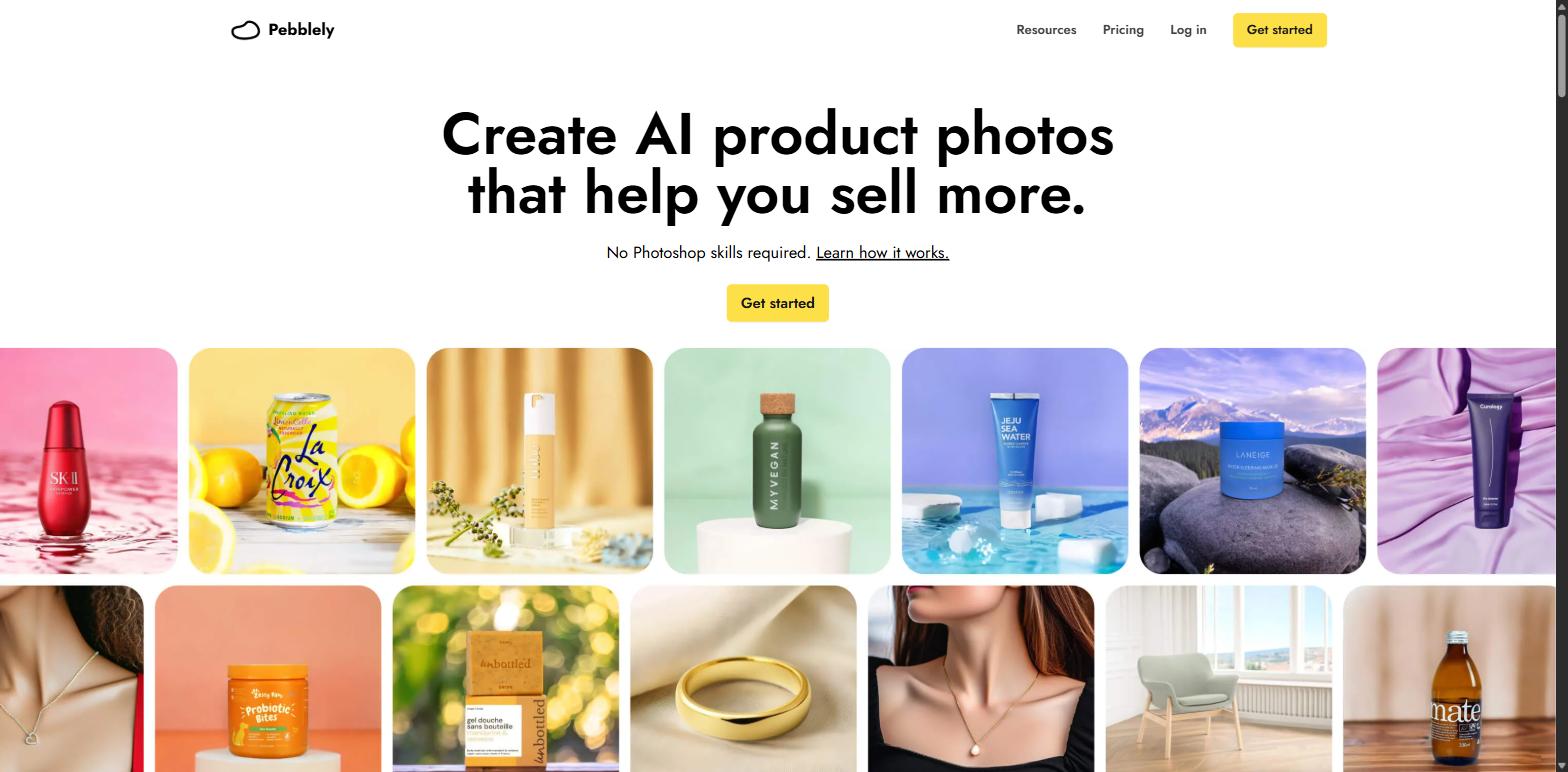
Pebblely does one thing and does not pretend otherwise: it drops your product into backgrounds, from a library of 40+ themes or your own prompt. No model generation, no video, no editor. Upload, pick a theme, done.
That focus is the appeal. If your problem is “I have 60 products on white and they look dead,” Pebblely solves it faster than anything else here.
What it costs: Lite $9/month for 30 images, Basic $19 for 200, Pro $39 for 500, with bulk generate on Basic and Pro. Yearly billing adds 2+ months free. Note: the pricing page lists no free plan — a free trial question appears in their FAQ, so check that before you commit.
5. Flair AI — best for brand-controlled, art-directed scenes
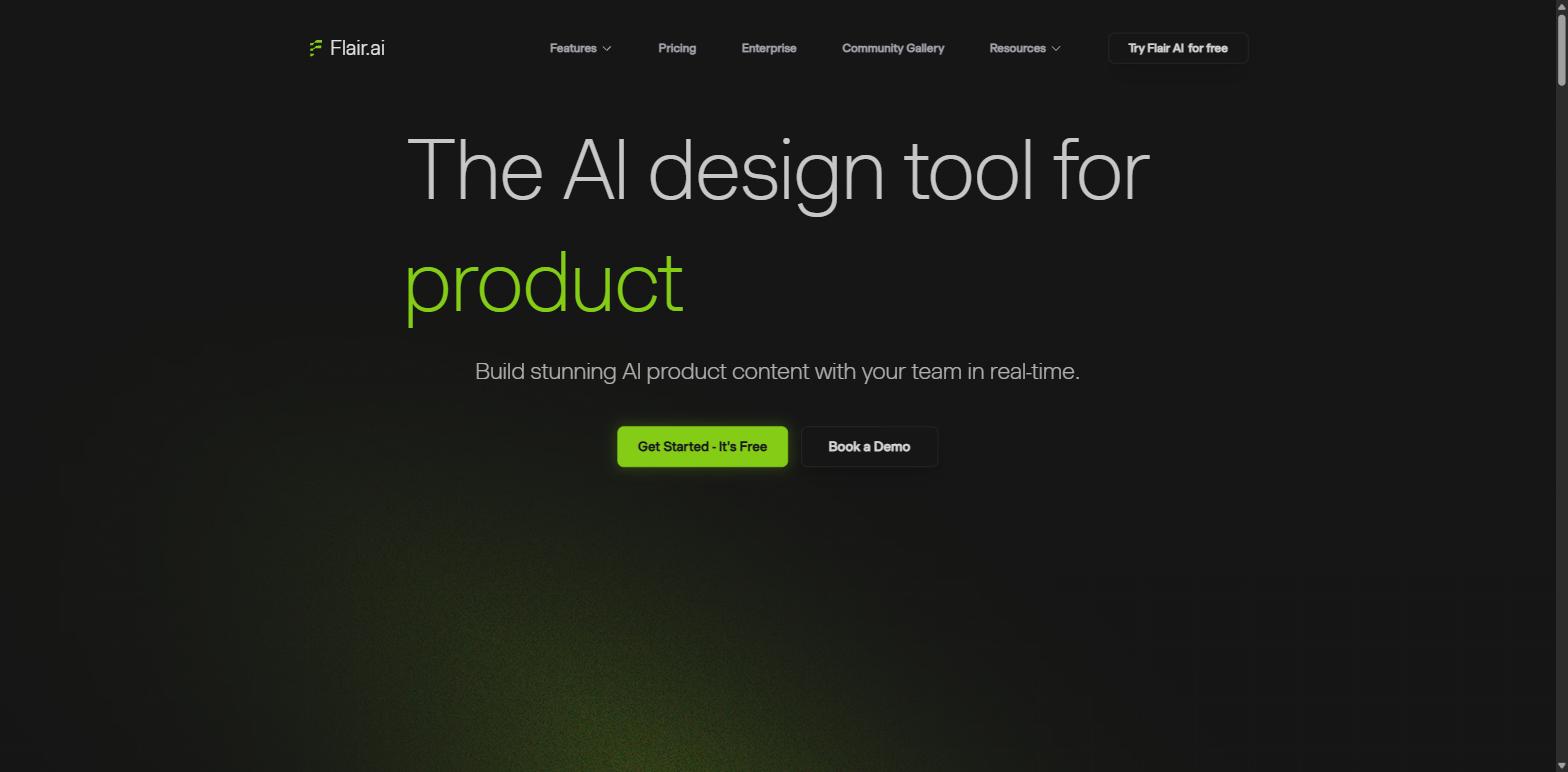
Flair is the closest thing here to actually art-directing a shoot. Instead of picking a preset, you arrange the scene — props, surfaces, lighting, camera angle — which makes it the right pick when every shot has to match a brand guideline rather than just look nice.
It also does AI models and video. The cost is time: Flair rewards people who will sit with it, and punishes people who want one click.
What it costs: the free plan gives 1 model, 5 images and 1 video — enough to judge it, not to work with. Pro is $8/month, Pro+ $26, Scale $38.
6. Claid.ai — best for bulk catalogues and anyone who needs an API
Claid is aimed at volume. If you are pushing hundreds of SKUs and need consistent output without a human touching each one, it has the API and the batch processing to do it. Marketplaces and aggregators use it for exactly this.
For a seller with 15 products it is overkill. For a seller with 1,500 it is one of the only sensible answers on this list.
What it costs: a free trial with 50 credits. Essentials is $9/month for 500 credits at 2K resolution. Pro is $35/month for 2,000 credits.
7. CreatorKit — best for AI models and video ads together
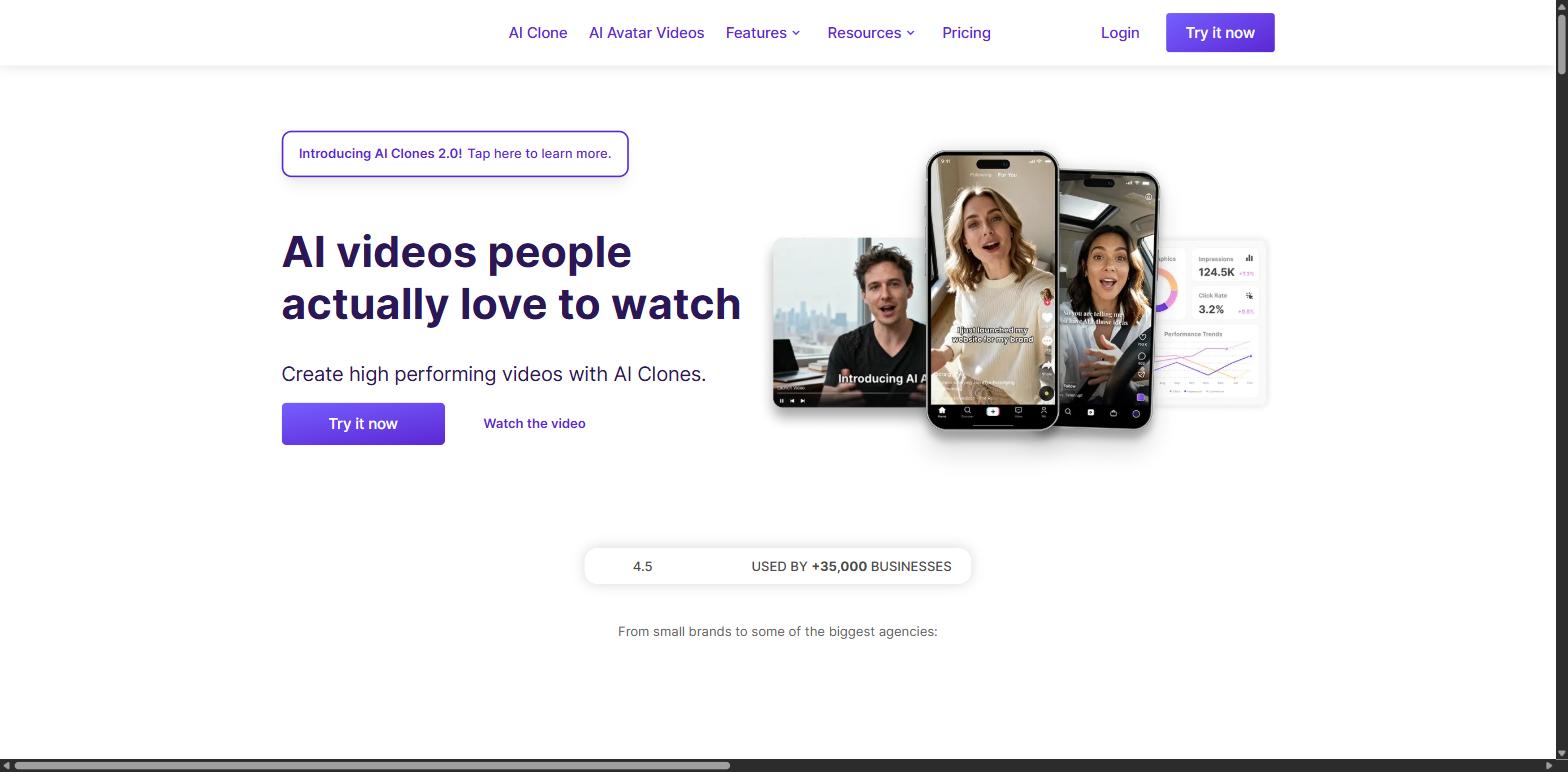
CreatorKit is really an ad-creative platform that happens to do product images. Its differentiator is AI actors and custom clones — synthetic people who can present your product on camera — alongside AI product photography.
If your bottleneck is Instagram and Meta ad creative rather than listing photos, this does more for you than a pure photoshoot tool.
What it costs: the free plan is unusually structured — unlimited AI product image and AI actor video generations, but only 5 downloads each, and no watermark removal. So you can explore endlessly and export almost nothing. Pro is $39/month ($32 billed annually) for 10 downloads, 1 custom AI actor and watermark removal. Business is $99 ($82 annually) for 50 downloads and 10 actors. Business Plus is $134 ($115) for 100 downloads.
8. Canva — best if your team already pays for it
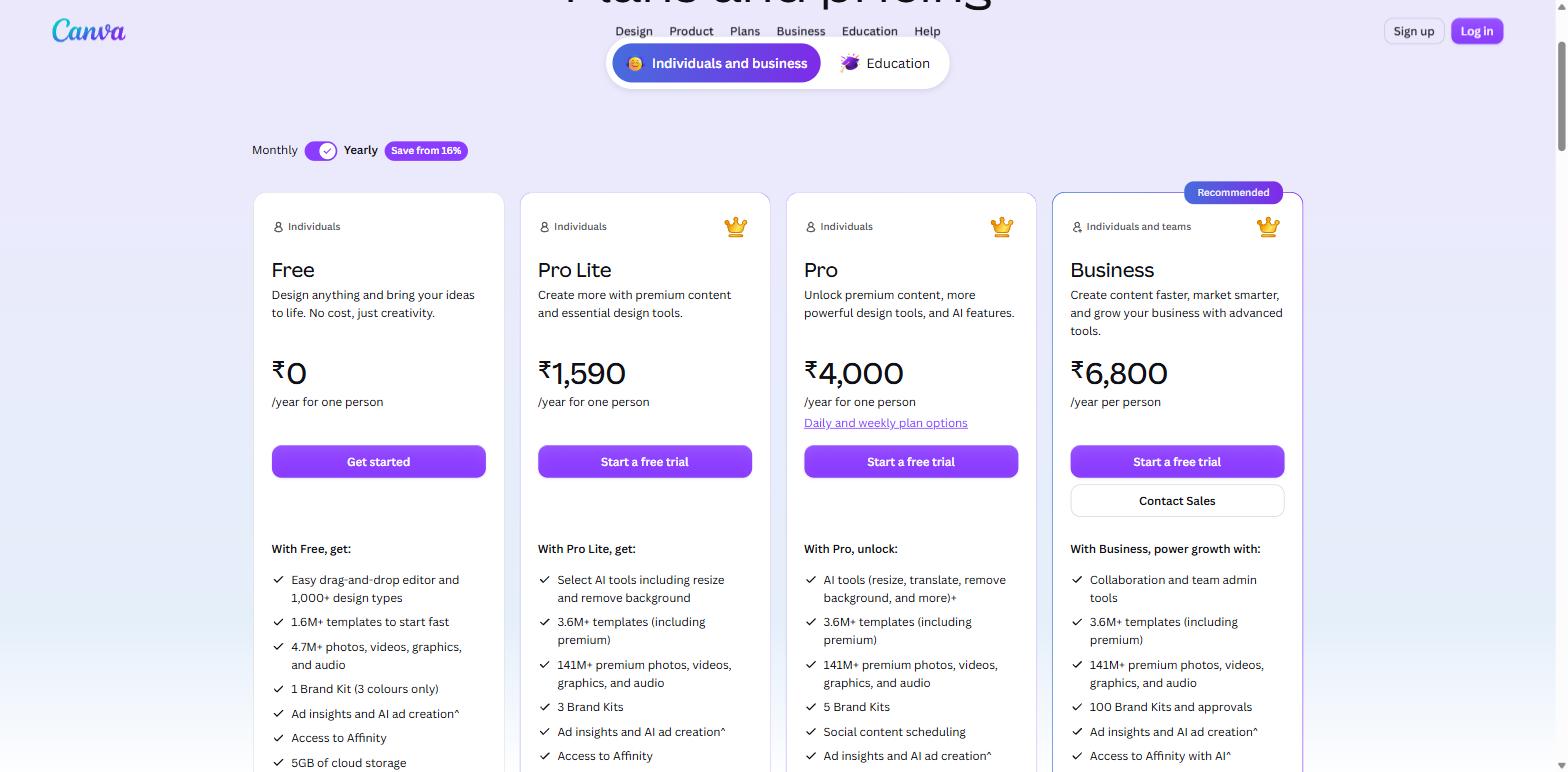
Canva is not a dedicated AI photoshoot tool, and I would not buy it to be one. But if your team is already in Canva, its AI image tools will cover a surprising amount of ground before you need anything specialised — and the output drops straight into the social posts and listing graphics you were making there anyway.
What it costs (India): Free at ₹0. Pro Lite is ₹1,590/year, Pro is ₹4,000/year, Business is ₹6,800/year per person. Free gives you 4.7M+ stock assets and 1.6M+ templates; paid plans open up 141M+ assets and 3.6M+ templates.
Read the AI limits carefully. Canva’s AI runs on a shared allowance, and Standard, Premium and Ultra tools draw down that allowance at different rates — so “included” does not mean unlimited. There is an AI Pass add-on for heavier use.
9. Adobe Firefly — best when the output has to be commercially safe
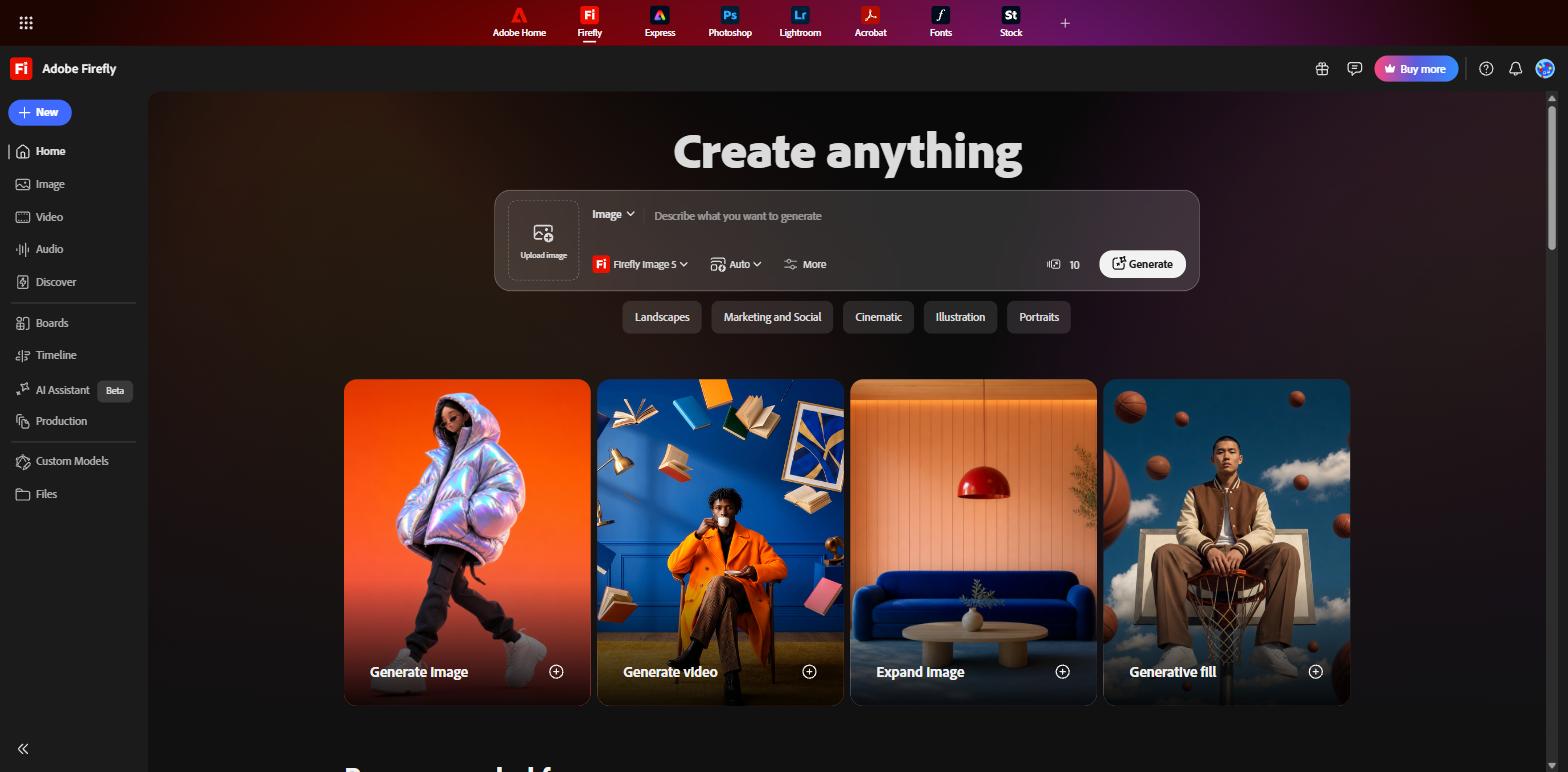
Firefly’s pitch is not quality, it is indemnity. Adobe states that Firefly models are trained on licensed and public-domain content and that outputs are safe for commercial use, with Content Credentials attached automatically. If you are selling into a market where a client or marketplace may ask where an image came from, that paperwork is the product.
What it costs (India): there is a free tier with daily generations that refresh every day — no plan needed, and enough to evaluate it. Standard is ₹797.68/month with 2,000 generative credits, Pro ₹1,596.54 with 4,000, Pro Plus ₹2,791.94 with 10,000 and Premium ₹11,169.40 with 50,000. Paid plans include unlimited standard image generations; video, audio and partner models draw on credits.
10. Magnific (formerly Freepik) — best for upscaling and finishing
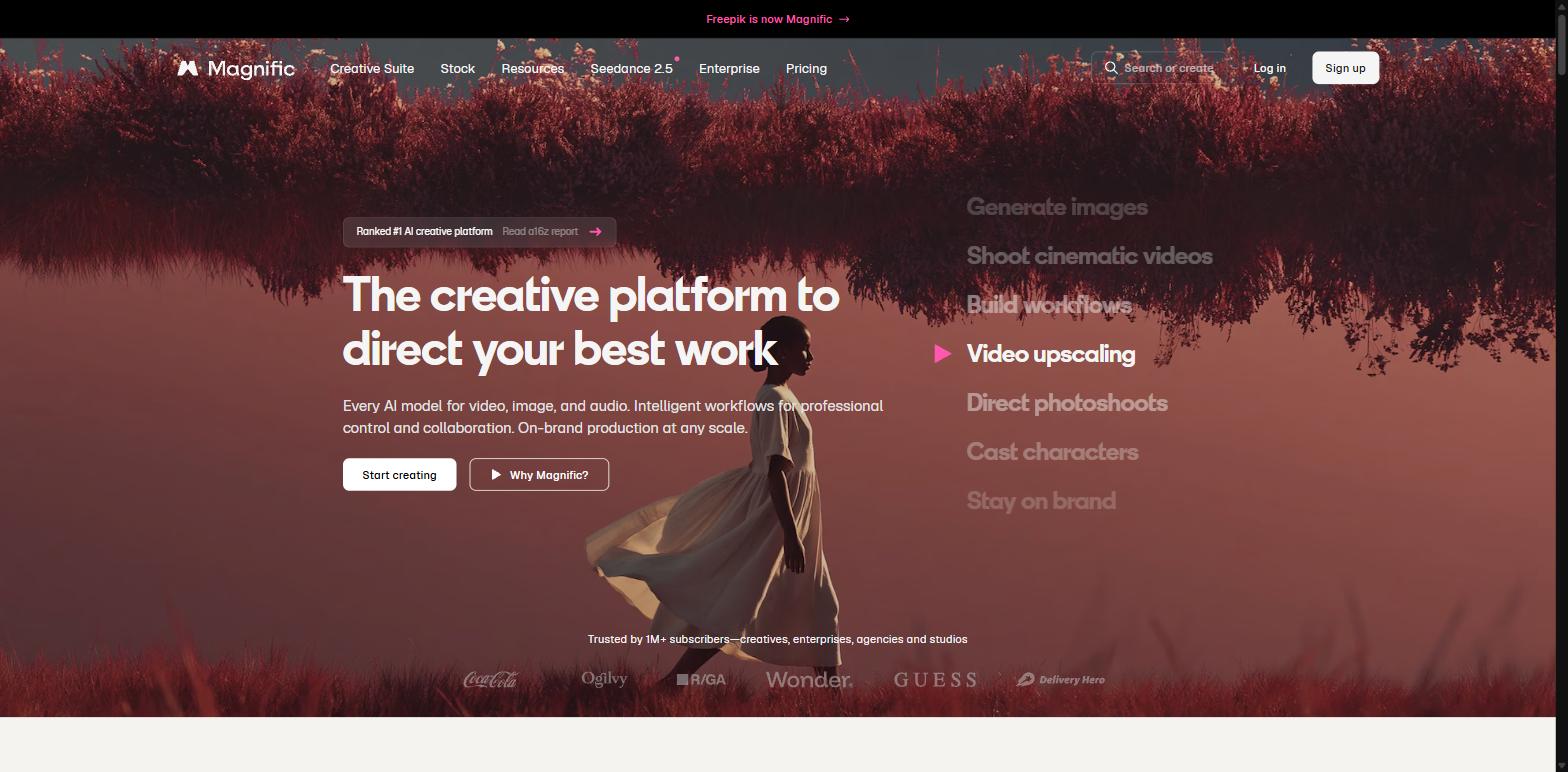
Worth knowing before you go looking: Freepik rebranded to Magnific in April 2026, and freepik.com/pricing now redirects to magnific.com. Plenty of older articles still send you to a dead name.
Magnific’s real strength is the end of the pipeline rather than the start. Its upscaler is the best-regarded part of the product, which makes it a good finisher for images generated somewhere else and a good rescue for the low-resolution supplier photos that plague reselling.
What it costs (India): Premium is ₹910/month billed annually with 240K credits a year. Premium+ is ₹2,250/month with 600K credits and unlimited generations on a set of models. Pro Starter is ₹5,512.50/month with 1.5M credits. Prices exclude VAT and local taxes, with a 30-day refund guarantee. There is a free tier with daily-refreshing credits, though Magnific does not publish the exact limit.
Two tools to stop recommending
If you have been reading other lists, you have seen both of these. Checked on 23 September 2026:
- Booth.ai — the domain now redirects to a marketplace listing the name for sale.
- Stylized.ai — redirects to a GoDaddy “for sale” page.
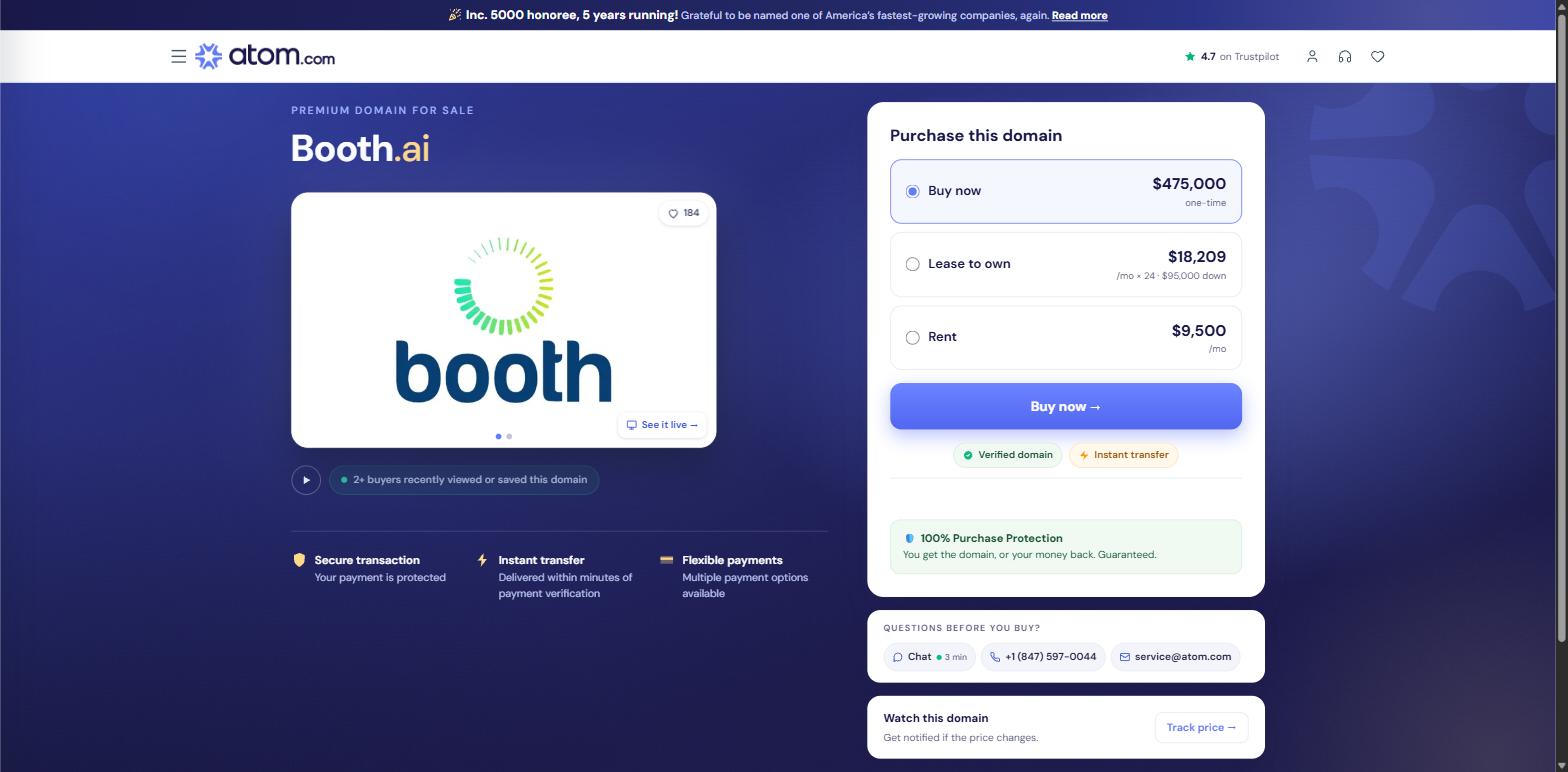
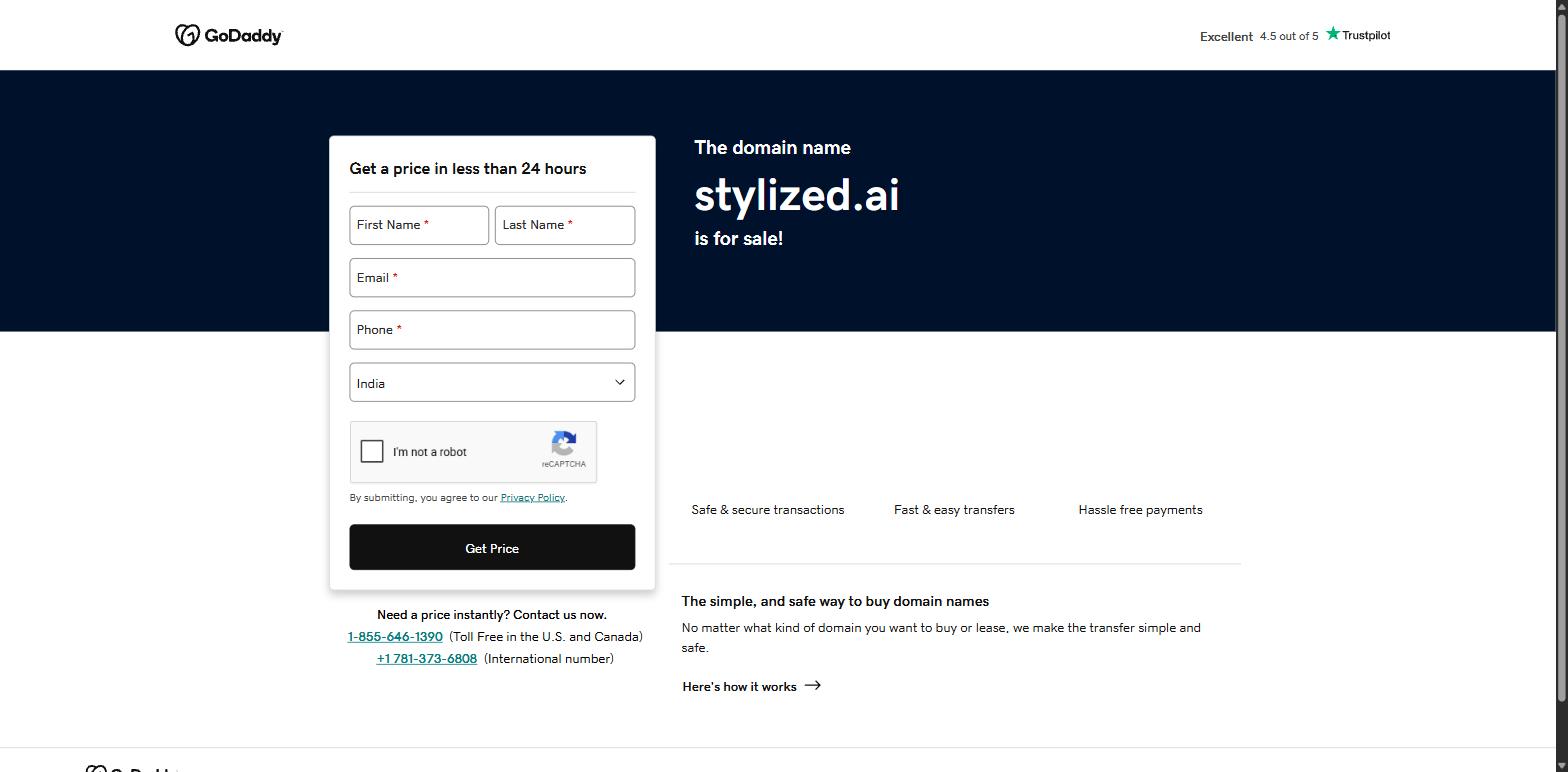
Neither is a live product. They stay on listicles because nobody re-checks. It is the cheapest possible test of whether an article was actually researched this year, and it is worth running yourself on any tool list you read — including this one, six months from now.
Quick comparison
| Tool | Best for | Free plan | Paid from |
|---|---|---|---|
| Mockey AI | Apparel and print-on-demand | Yes — 3 downloads/day, JPG, personal use only | $4.10/mo billed yearly |
| Photoroom | All-round catalogues, AI models | Free trial | ₹167/mo billed yearly |
| Pixelcut | A free photoshoot on a phone | Yes | $8/mo billed yearly |
| Pebblely | Background variety, fast | Not listed on pricing page | $9/mo |
| Flair AI | Art-directed, on-brand scenes | Yes — 5 images | $8/mo |
| Claid.ai | Bulk catalogues and API | Trial — 50 credits | $9/mo |
| CreatorKit | AI models plus video ads | Yes — 5 downloads | $32/mo billed yearly |
| Canva | Teams already on Canva | Yes | ₹1,590/year |
| Adobe Firefly | Commercially safe output | Yes — daily limit | ₹797.68/mo |
| Magnific | Upscaling and finishing | Yes — daily credits | ₹910/mo billed yearly |
How to create a photoshoot that actually sells
The tool is the easy part. What separates a listing that converts from one that does not is the set of shots, not the software. If you want to make a photoshoot that earns its place, work to this list:
- Start with one clean, well-lit source photo. Every tool here amplifies what you feed it. A blurry phone shot in yellow indoor light produces a blurry, yellow AI photoshoot. Shoot near a window, on a plain surface, in focus. That is the whole requirement.
- Get the hero shot right before anything else. Product centred, generous space around it, no cropping surprises. Thumbnails get cropped to different shapes across marketplaces and you do not control which.
- Then build the set: one scale shot so buyers judge size, one detail shot of the print or fabric, one in-use or on-model shot, and one flat lay. Four images beats one great image every time.
- Keep colour honest. This is where AI photoshoot tools quietly cost you money. A generated scene will happily relight your garment into a shade you do not sell. Match to your supplier’s swatch, not to your screen, or you are buying returns.
- Export at the largest size offered. You can size down later. You cannot size up. Most marketplaces want at least 2,000px on the long edge.
- Check the licence before you list. Several free tiers here are personal-use only. Free to generate is not the same as free to sell with.
If you are selling printed apparel, pair this with a proper mockup set — we compared the options in 7 best mockup sites for clothing — and make sure your listing carries a real t-shirt size chart. Sizing questions kill more apparel sales than photography does. If you are still setting up, start with how to start an online t-shirt business in India.
What AI photoshoot tools still cannot do
Worth saying plainly, because the marketing will not:
- They cannot invent texture they were not shown. If your source photo does not resolve the weave, the embroidery or the print edge, no amount of generation will put it back. It will invent something plausible instead, which is worse.
- They are unreliable on reflective and transparent products. Glass, chrome, jewellery and anything with a mirror finish still defeat most of these tools. Check every frame before it goes live.
- Generated models carry a disclosure question. Rules on flagging AI-generated people in advertising are tightening across markets. If you use AI fashion models, know your marketplace’s policy before you scale it.
- They cannot tell you your product looks wrong. A human on set says “the collar is sitting badly.” An AI photoshoot tool will confidently render the bad collar in beautiful light.
- They do not replace one real photo. Order a sample, shoot it once, and lead with it. Use AI for the other nine frames.
Which one should you actually pick?
- You sell printed apparel or run print-on-demand: Mockey AI, because mockups and photoshoot scenes live in the same place.
- You have a real catalogue and want one tool: Photoroom. The rupee pricing and the monthly credit allowance make it the best value here by a distance.
- You want a free AI photoshoot and you are on a phone: Pixelcut.
- You have 500+ SKUs: Claid.ai.
- Your bottleneck is ad creative, not listings: CreatorKit.
- You need provenance you can defend to a client: Adobe Firefly.
Start on a free tier, generate five images for your worst-performing listing, and swap them in. If the listing moves, you have your answer about which tool to pay for. If it does not, the photos were never the problem — and that is worth knowing before you spend anything.
Frequently asked questions
What is an AI photoshoot tool?
An AI photoshoot tool uses artificial intelligence to generate studio-style product images from a single photo, without a camera, studio or model. You upload a plain product shot, choose or describe a scene, and the tool relights and composites the product into it. Most also handle background removal, shadows and upscaling.
Can I create a photoshoot online for free?
Yes. Pixelcut, Flair AI, CreatorKit, Canva, Adobe Firefly and Magnific all have free tiers, and Mockey AI gives three downloads a day. The limits vary widely: some cap generations, some cap downloads, and some watermark output. The bigger catch is licensing — several free plans, including Mockey’s, are personal-use only and do not cover selling.
Is a free AI photoshoot good enough for a real listing?
For a first listing, usually yes — if the licence allows commercial use and the export resolution clears 2,000px. Where free tiers fall down is volume and consistency. Once you are shooting a whole catalogue and need every image to match, the ₹167–₹300 a month tier pays for itself immediately.
Which is the best free AI photoshoot generator?
Pixelcut, for most people. It has a genuine free tier, works well on a phone and does not require you to learn anything. Adobe Firefly’s free daily generations are the better pick if you need output you can defend commercially, since Adobe states Firefly models are trained on licensed and public-domain content.
Do AI product photos hurt SEO or marketplace rankings?
There is no evidence that AI-generated product images are penalised by search engines or marketplaces on origin alone. What does hurt you is a misleading image — a colour or fit that does not match what ships. That drives returns and bad reviews, and those absolutely affect your ranking.
How much does an AI photoshoot cost compared to a real one?
A conventional half-day product shoot in an Indian metro, with a studio, a photographer and basic retouching, typically starts in the tens of thousands of rupees and rises sharply once you add a model. Every paid tool on this list runs between roughly ₹150 and ₹900 a month. The comparison is not close on cost; it is much closer on control.
Can I use an AI photoshoot tool to put my t-shirt on a model?
Yes. Photoroom’s AI Fashion Models, Flair AI and CreatorKit all generate people wearing your product. Photoroom’s Pro plan allows up to 1,600 AI Fashion Model generations a month at 1K, with 2K and 4K on higher tiers. Check your marketplace’s disclosure rules on AI-generated people before you build a whole catalogue on it.
What is the difference between a mockup and an AI photoshoot?
Yes, at least one. Order a sample, photograph it properly once, and lead your listing with it. Then use an AI photoshoot tool for the supporting frames — the lifestyle shots, the colour variants and the seasonal ad creative — where the cost of shooting conventionally is hardest to justify.
Read next
- 25 best print on demand sites in India
- Is print on demand profitable in India?
- Top 10 best ecommerce platforms in India
Prices and plan limits in this article were verified on the tools’ own pricing pages between 21 and 23 September 2026, loaded from India. This category changes fast — check the current page before you subscribe.
